01 — VENDO
Piso WiFi & Hotspot
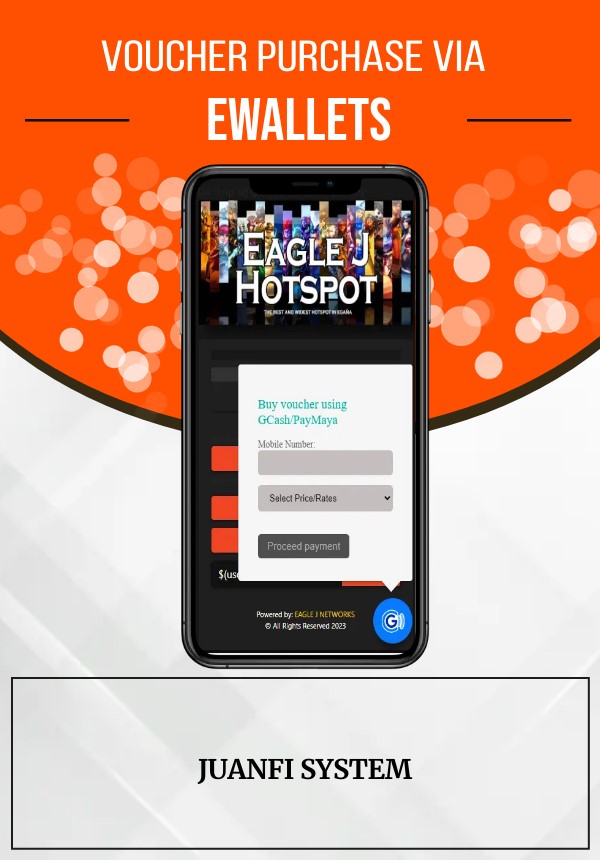
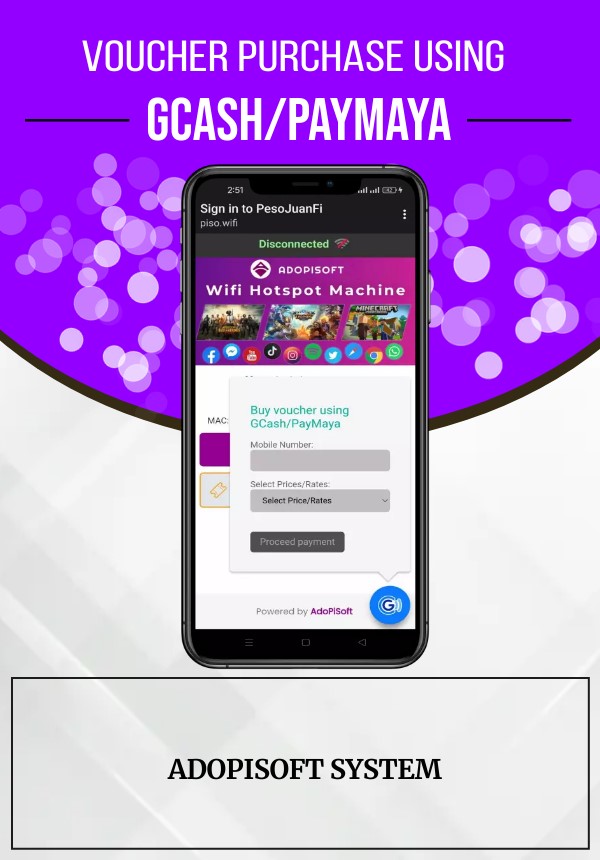
Connect e-wallet payments with voucher purchasing and supported vendo workflows.
WiFree connects payments to the next step in your network: a voucher, a subscriber account, or a service reconnection. Less manual follow-up for operators. A smoother experience for customers.
WiFree is built around the day-to-day systems used by Piso WiFi operators and internet service providers—not just the payment screen.
Connect e-wallet payments with voucher purchasing and supported vendo workflows.
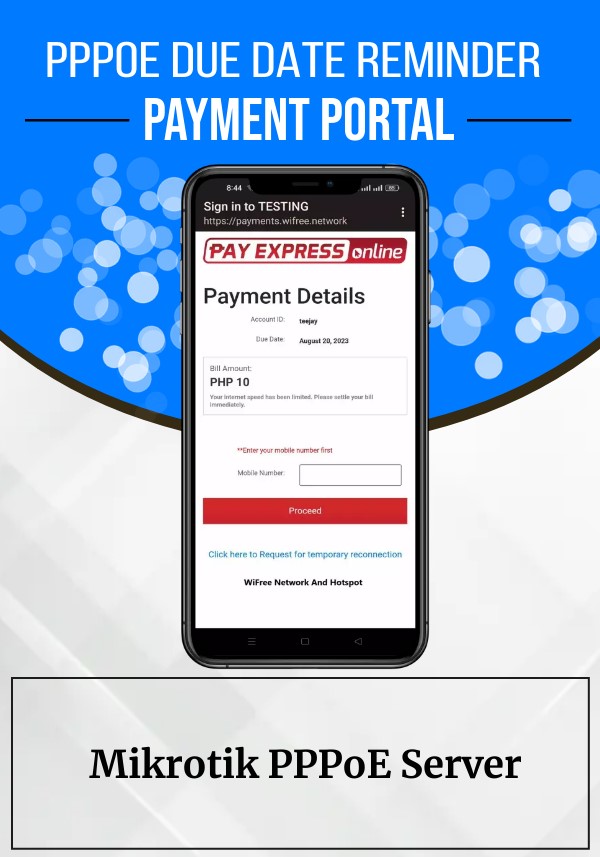
Give subscribers a payment portal for internet dues and supported account actions.
Automate supported payment follow-up, voucher processing and subscriber workflows.
Keep operators informed about payment activity and relevant processing outcomes.
Connect your service to supported e-wallets, QR payments, retail payment channels and banks. Available methods depend on your configured payment setup.
Set up WiFreeThe idea is simple: reduce the gap between a customer paying and the relevant service workflow being processed.
The customer selects a supported payment method and completes the transaction.
The payment status is received by the configured processing flow.
The relevant voucher or subscriber action is handled by the supported integration.
The customer receives the outcome with less manual operator intervention.
WiFree supports workflows used by local vendo owners and ISP operators. Explore the ecosystem and find the right starting point for your deployment.
Start with the workflow you need. Contact support if you need help confirming the right setup for your deployment.
JuanFi / Adopisoft / LPB
MikroTik PPPoE server
Get help setting up your integration or connect with other operators using WiFree.
Follow the setup documentation to connect WiFree to your network.
Open guideJoin the Facebook group to ask questions and share your setup.
Join the groupNeed help with your deployment? Reach out through the support contact.
Contact supportBring payments and supported connectivity workflows together with WiFree Network.